The romanticized image of working from a beachfront hammock is physically unviable for more than thirty minutes. Professional output requires professional environments. Coworking spaces fill this gap, providing the infrastructure of a traditional office paired with the flexibility remote workers demand. However, the quality of these spaces varies wildly. Choosing the wrong space results in lost productivity and wasted money.
Community vs. Focus Architecture
Before touring a facility, you must identify your primary objective. Coworking spaces generally skew heavily toward one of two operational models.
Community-Driven Spaces: These spaces prioritize networking, events, and socialization. The architecture features open floor plans, large communal tables, and central cafes. They are excellent for business development, finding clients, and overcoming the isolation of remote work. The drawback is ambient noise. Deep, concentrated work can be nearly impossible without heavy noise-canceling headphones.
Focus-Driven Spaces: These facilities prioritize deep work. They feature rigid acoustic zoning, soundproof phone booths, strict rules regarding phone calls in common areas, and individual desk partitions. The atmosphere resembles a library rather than a cafe. If your work requires intense concentration (e.g., programming, writing, complex financial analysis), this model is imperative.
Ergonomics and Physical Infrastructure
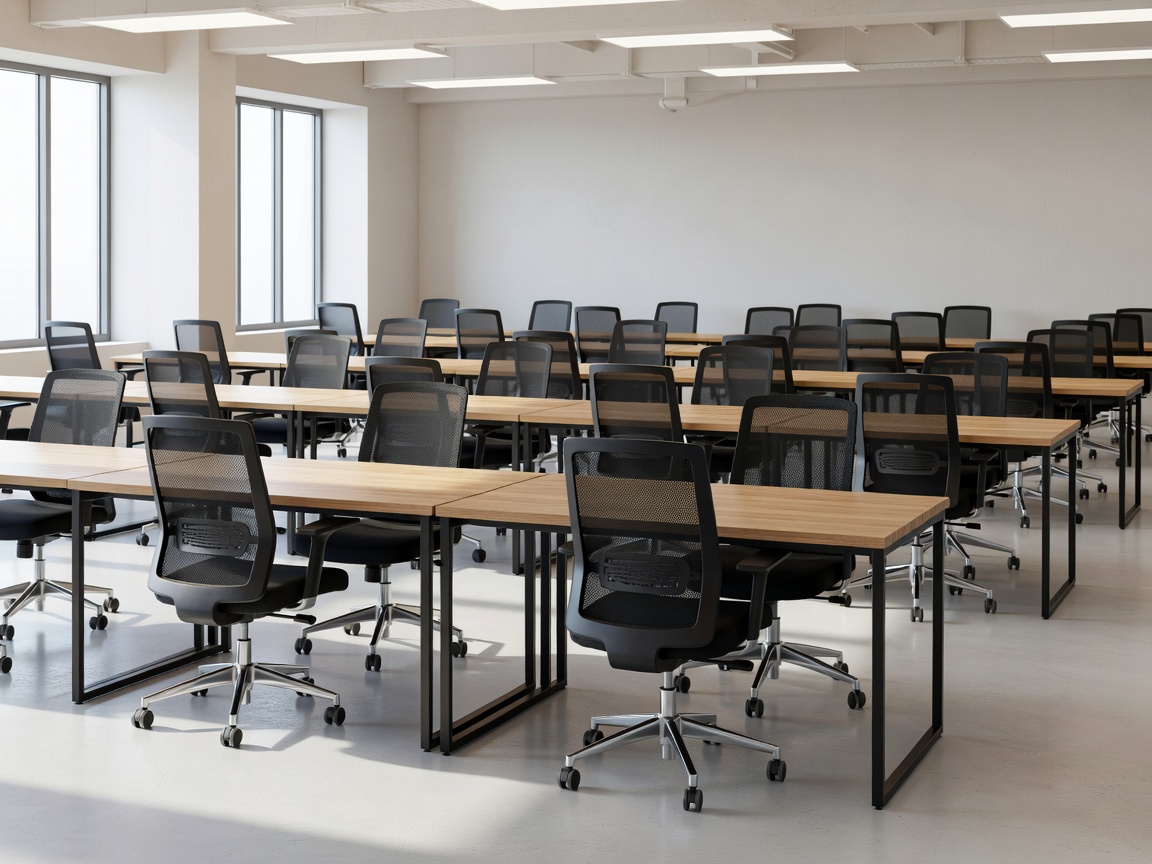
Never sign a monthly contract without inspecting the chairs. Aesthetic appeal often masks terrible ergonomics. A space prioritizing mid-century modern wooden chairs over adjustable, lumbar-supporting task chairs will damage your back over a forty-hour week.
- Desks: Check the depth of the desks. Can they comfortably hold a laptop, an external monitor, and a keyboard without feeling cramped? Are standing desks available on a hot-desk basis?
- Lighting: Assess the balance of natural and artificial light. Harsh fluorescent lighting induces eye strain and headaches. Look for spaces that maximize window access and use diffused, warm-temperature task lighting.
- Climate Control: In tropical destinations, aggressive air conditioning is a common issue. Ensure you test the ambient temperature in various zones of the office.
Connectivity and Redundancy
Fast internet is the absolute baseline expectation; you are primarily paying for bandwidth and a chair. Do not rely on verbal assurances from the sales team. Ask to run a speed test during your tour. Look for symmetrical speeds (equal upload and download rates), which are critical for smooth video conferencing and uploading large files.
More importantly, ask about redundancy. In regions prone to infrastructure issues, a premium coworking space must have multiple ISP lines entering the building. If the primary fiber connection drops, the system should instantly failover to a secondary network. Furthermore, inquire about backup generators or battery banks. If the city grid loses power, can the space keep the routers and lights on?
The Trial Day Protocol
Never commit to a long-term membership based purely on a twenty-minute tour. Most reputable coworking spaces offer a free or heavily discounted day pass. Utilize this on a typical Tuesday or Wednesday to observe the space at maximum capacity.
During the trial, test the soundproof booths—do they actually block noise, or just muffle it? Note how frequently the bathrooms are cleaned. Monitor the internet speed during the mid-afternoon slump when usage peaks. Check if there are hidden fees for printing or booking meeting rooms. Only after a full eight-hour stress test should you hand over your credit card.